12
guided movements
Every movement has a persistent front- or side-view guide.
 StretchMirror繁體中文
Set your iPhone 2–3 metres away. Large on-screen guidance and short voice cues keep the next step clear—even when a small display is out of reach.
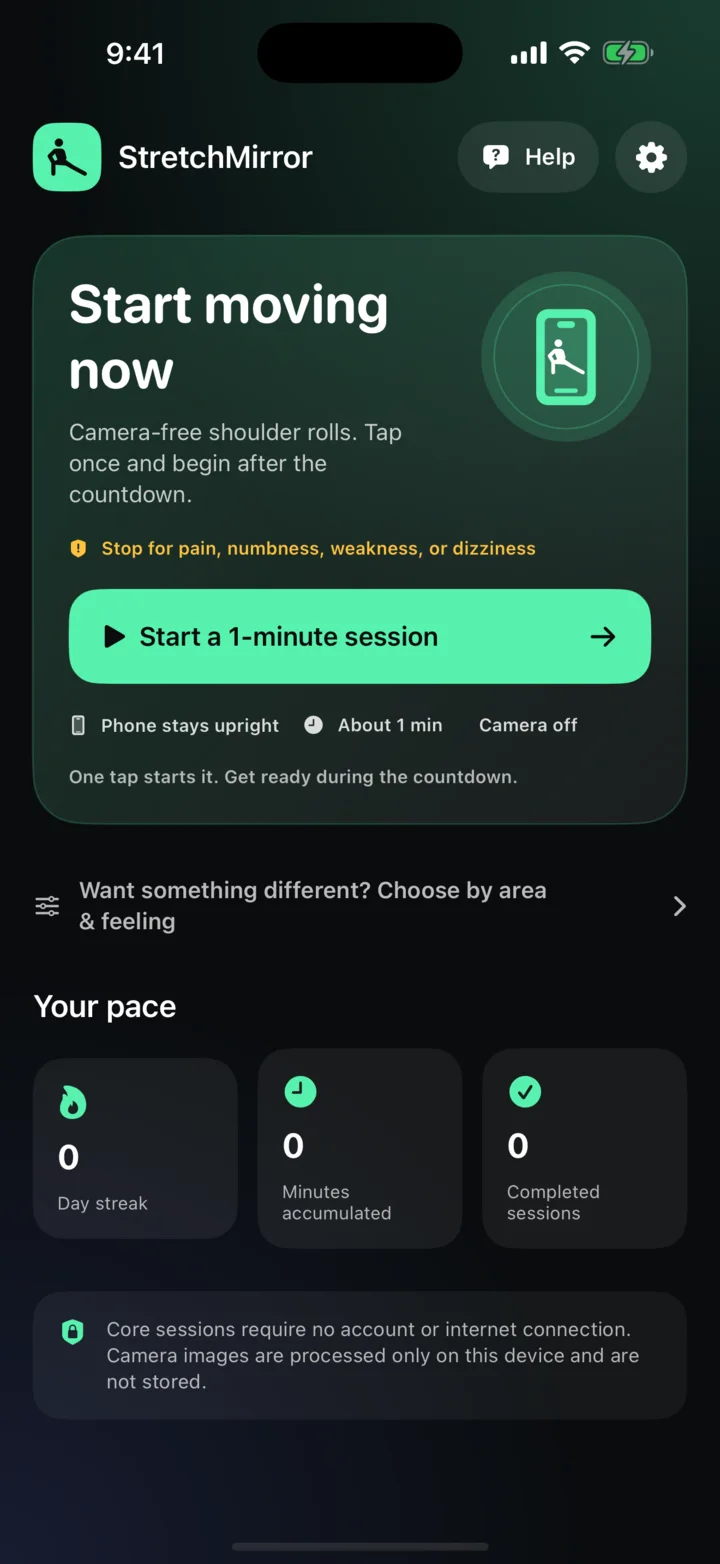
Built for the phone across the room, not the phone in your hand.
Every movement has a persistent front- or side-view guide.
Desk, everyday mobility, and pre-movement options.
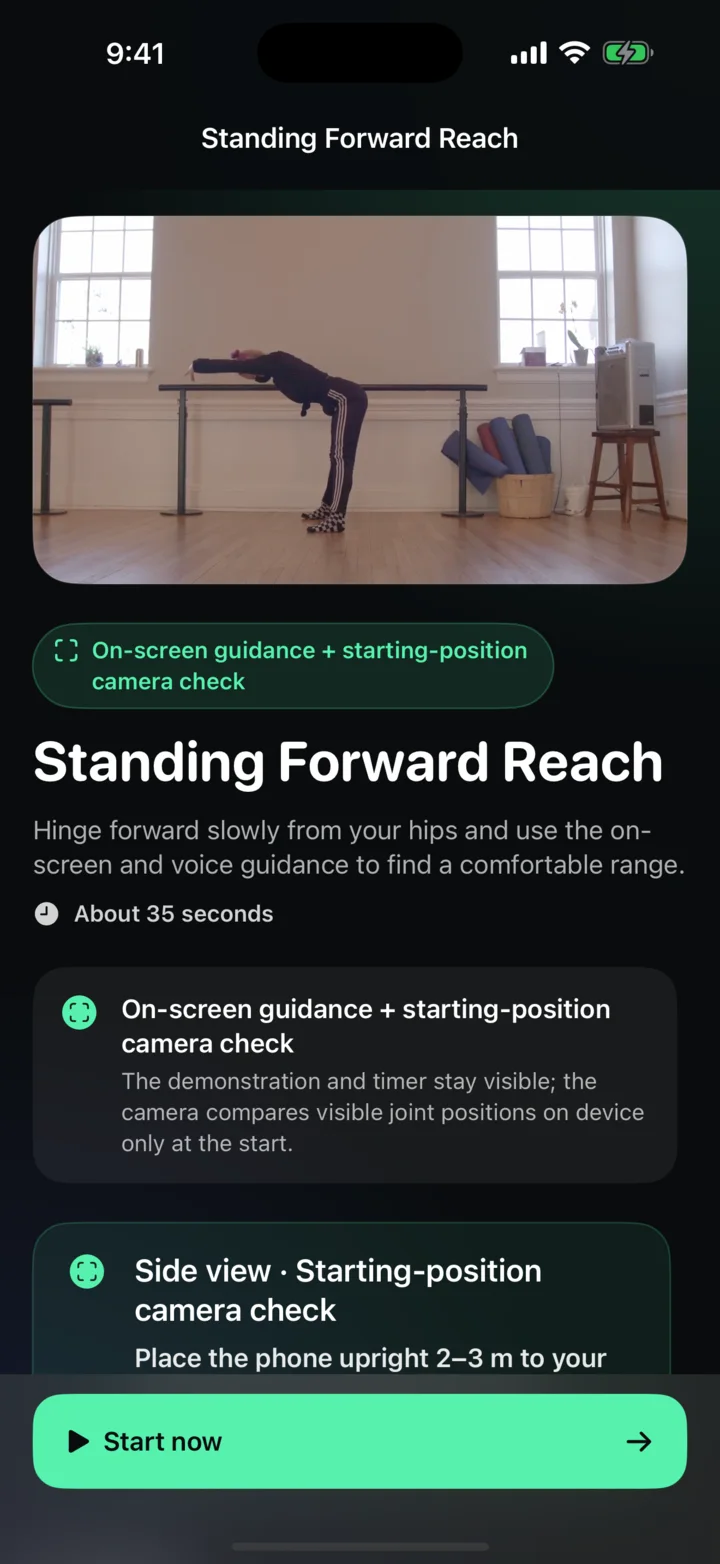
Optional and limited to Standing Forward Reach before its timer begins.
StretchMirror combines readable movement visuals with concise audio so you can spend less time walking back to the phone and more time following the session.
All 12 movements keep a front- or side-view guide, timer, and one main cue on screen.
Spoken setup, countdowns, timing, side changes, and completion cues reduce the need to read small text from across the room.
On-screen guidance is the default. Eyes-free voice guidance remains an explicit choice when you prefer not to look at the display.
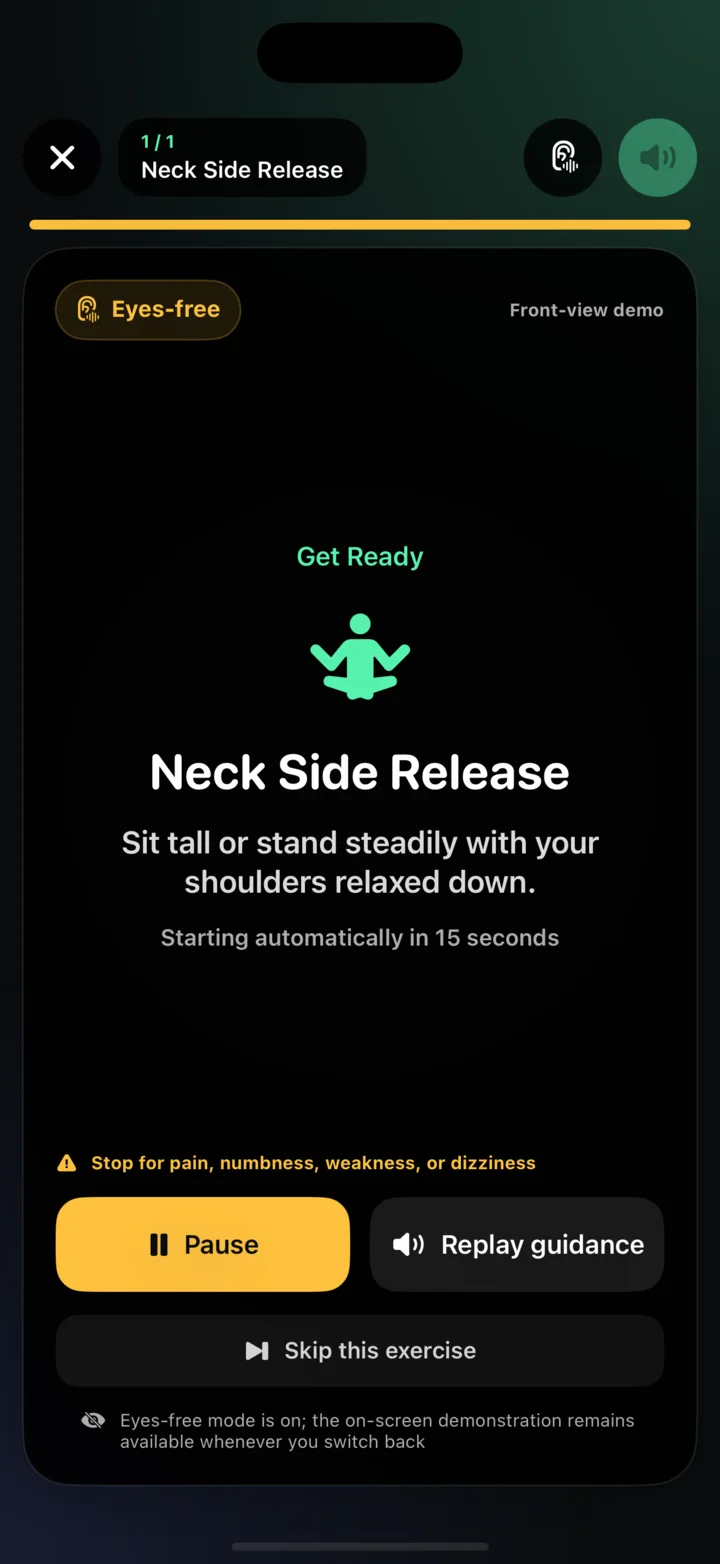
Voice and timing screen from the current app build
Start with Desk Reset, Everyday Mobility, or Ready to Move.
Follow the front- or side-view setup and step back until the requested view fits on screen.
The app keeps the visual, timing, and current cue available throughout the movement.
Each program is designed around a clear moment in the day. The 12 unique movements are reused intentionally where they fit.
A short break for the neck, shoulders, chest, and side body.
Move from Standing Forward Reach into lower-body and back mobility.
Wake up the shoulders, spine, hips, and ankles before general activity.
Before Standing Forward Reach begins, an optional check uses Apple Vision on your iPhone to compare selected visible 2D joints with a licensed static reference. Once the three disclosed conditions stay met for five seconds, the camera turns off and the timed stretch begins.
This is not continuous movement tracking, and no numeric score is shown. The other 11 movements do not open the camera. The check does not determine correctness, safety, pain, diagnosis, treatment, rehabilitation, or clinical suitability.
Starting-position check explanation from the current app build
The planned App Store release is a one-time paid download. There is no subscription, account, advertising, analytics, or cloud pose processing.
Not yet. The App Store release is being prepared, so there is no public purchase link today. This page will link directly to the official listing when it is available.
No. The launch plan is a one-time paid App Store download, without a recurring subscription or in-app purchase.
Only Standing Forward Reach offers an optional starting-position camera check in version 1.0. It runs before the timed stretch, then turns the camera off. The other 11 movements use persistent on-screen guidance and voice timing without opening the camera.
No. Camera frames used for the starting-position check are processed on the device and are not saved or uploaded by StretchMirror.
Turn up media volume before starting. Spoken setup, countdowns, timing, side changes, and completion cues are designed to carry the session when the display is several steps away. Eyes-free mode is also available as an explicit choice.
No. StretchMirror is for general fitness and wellness. It does not diagnose, treat, rehabilitate, or determine whether a movement is safe for you. Stop for pain, dizziness, numbness, instability, or unusual discomfort.
We are completing release checks now. Until the official listing is live, you can review how the app works, its privacy promise, and current support information here.
Support usually replies within 1–2 business days.